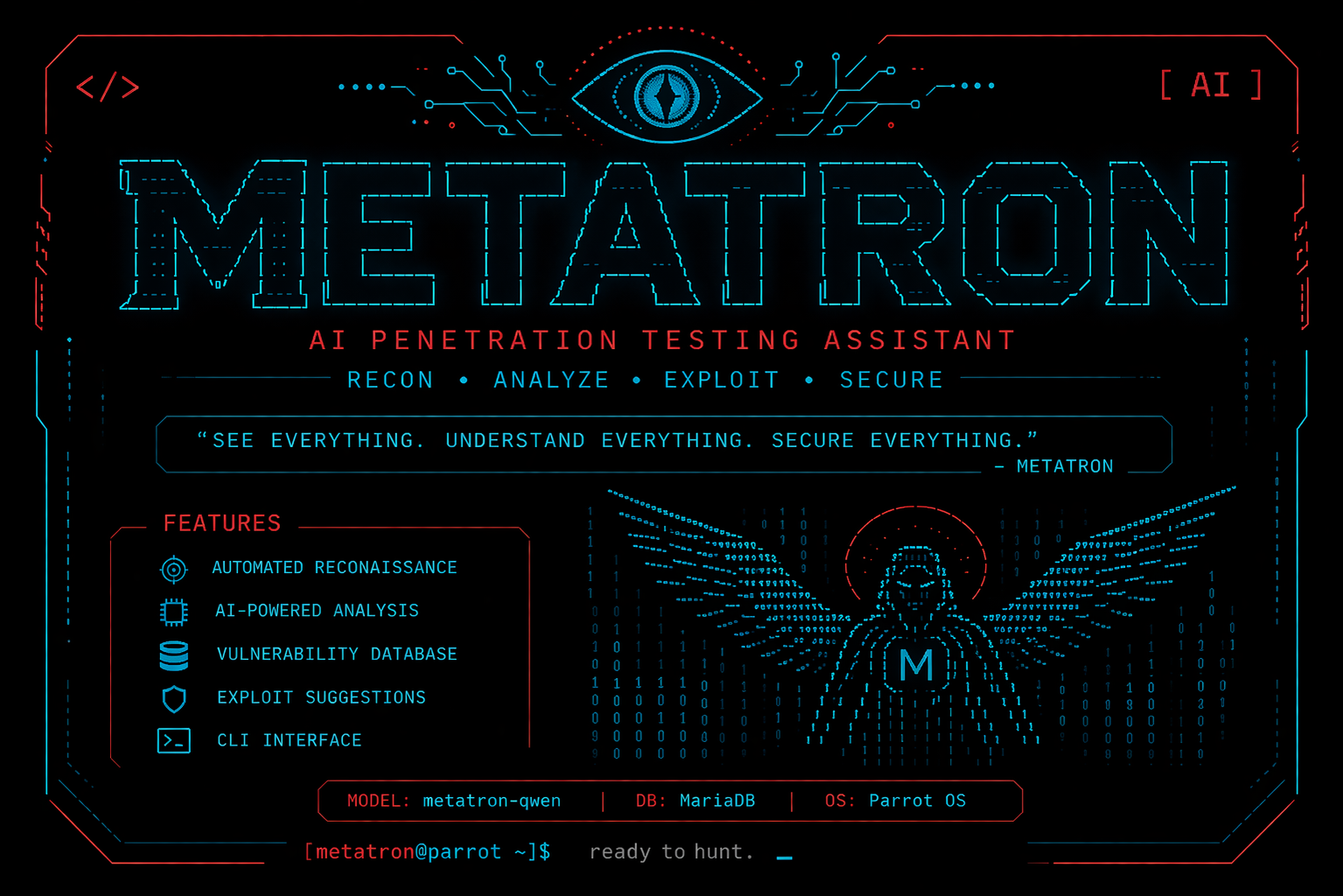
METATRON is an AI-powered network reconnaissance and vulnerability analysis tool. It combines classic scanning utilities (nmap, nikto, whatweb) with a local Ollama LLM to automatically analyze results, suggest fixes, and log findings to a MariaDB database — all from a single terminal interface.
Tested on macOS (Apple Silicon). All deviations from the original Linux README are noted.
Prerequisites
Install Homebrew if not already present:
/bin/bash -c "$(curl -fsSL https://raw.githubusercontent.com/Homebrew/install/HEAD/install.sh)"1. System Tools
brew install nmap whois curl bind niktodig is provided by bind. whatweb is not in Homebrew — install from source:
brew install libyaml ruby
git clone https://github.com/urbanadventurer/WhatWeb.git ~/WhatWeb
cd ~/WhatWeb
/opt/homebrew/opt/ruby/bin/bundle install
sudo ln -sf ~/WhatWeb/whatweb /usr/local/bin/whatweb
Intel Mac: replace
/opt/homebrewwith/usr/localin the bundle command.
2. Clone & Python Environment
git clone https://github.com/sooryathejas/METATRON.git ~/METATRON
cd ~/METATRON
python3 -m venv venv
source venv/bin/activate
pip install -r requirements.txt
3. Ollama & AI Model
brew install ollama
ollama serve &   # or leave running in a dedicated terminal
Pull the base model (requires 8.4 GB RAM; use 4b if constrained):
ollama pull huihui_ai/qwen3.5-abliterated:9b
# low-RAM alternative:
# ollama pull huihui_ai/qwen3.5-abliterated:4b
# then edit Modelfile: change FROM line to the 4b model name
Build the custom model:
cd ~/METATRON
ollama create metatron-qwen -f Modelfile
ollama list   # verify metatron-qwen appears
4. MariaDB
brew install mariadb
brew services start mariadb
Connect (do NOT use sudo mysql — use your macOS username or plain mysql):
mysqlCreate the database and user:
CREATE DATABASE metatron;
CREATE USER 'metatron'@'localhost' IDENTIFIED BY '123';
GRANT ALL PRIVILEGES ON metatron.* TO 'metatron'@'localhost';
FLUSH PRIVILEGES;
EXIT;
If
mysqlgivesAccess denied, run:ALTER USER 'root'@'localhost' IDENTIFIED VIA mysql_native_password USING PASSWORD(''); FLUSH PRIVILEGES; EXIT;Then reconnect with
mysql -u root.
Create the schema using a file to avoid terminal copy-paste corruption:
cat > /tmp/metatron_schema.sql << 'EOF'
CREATE TABLE history (
    sl_no     INT AUTO_INCREMENT PRIMARY KEY,
    target    VARCHAR(255) NOT NULL,
    scan_date DATETIME NOT NULL,
    status    VARCHAR(50) DEFAULT 'active'
);

CREATE TABLE vulnerabilities (
    id          INT AUTO_INCREMENT PRIMARY KEY,
    sl_no       INT,
    vuln_name   VARCHAR(255),
    severity    VARCHAR(50),
    port        VARCHAR(20),
    service     VARCHAR(100),
    description TEXT,
    FOREIGN KEY (sl_no) REFERENCES history(sl_no)
);

CREATE TABLE fixes (
    id       INT AUTO_INCREMENT PRIMARY KEY,
    sl_no    INT,
    vuln_id  INT,
    fix_text TEXT,
    source   VARCHAR(50),
    FOREIGN KEY (sl_no) REFERENCES history(sl_no),
    FOREIGN KEY (vuln_id) REFERENCES vulnerabilities(id)
);

CREATE TABLE exploits_attempted (
    id           INT AUTO_INCREMENT PRIMARY KEY,
    sl_no        INT,
    exploit_name VARCHAR(255),
    tool_used    VARCHAR(100),
    payload      TEXT,
    result       VARCHAR(500),
    notes        TEXT,
    FOREIGN KEY (sl_no) REFERENCES history(sl_no)
);

CREATE TABLE summary (
    id           INT AUTO_INCREMENT PRIMARY KEY,
    sl_no        INT,
    raw_scan     LONGTEXT,
    ai_analysis  LONGTEXT,
    risk_level   VARCHAR(50),
    generated_at DATETIME,
    FOREIGN KEY (sl_no) REFERENCES history(sl_no)
);
EOF

mysql -u metatron -p123 metatron < /tmp/metatron_schema.sql
If you need to redo the schema (e.g. after a failed partial run), drop tables first:
mysql -u metatron -p123 metatron -e "DROP TABLE IF EXISTS summary, fixes, exploits_attempted, vulnerabilities, history;"
mysql -u metatron -p123 metatron < /tmp/metatron_schema.sql
5. Running METATRON
Requires two terminal tabs.
Terminal 1 — load the model:
ollama run metatron-qwenWait for the >>> prompt before proceeding.
Terminal 2 — launch METATRON:
cd ~/METATRON
source venv/bin/activate
python metatron.py
Troubleshooting
| Error | Fix |
|---|---|
Access denied for user 'root'@'localhost' | Use plain mysql (no flags) or sudo mysql |
ERROR 1050: Table already exists | Drop tables in reverse FK order, then re-import schema file |
psych gem compile error during bundle install | brew install libyaml ruby then use /opt/homebrew/opt/ruby/bin/bundle install |
Could not find a valid gem 'whatweb' | WhatWeb is not on RubyGems — clone from GitHub (see step 1) |
| Copy-paste SQL errors in mysql prompt | Always use mysql < file.sql instead of pasting |
Uninstall
Remove components in the order below.
1. METATRON app directory:
rm -rf ~/METATRON2. WhatWeb:
sudo rm /usr/local/bin/whatweb
rm -rf ~/WhatWeb
3. Ollama model and service:
ollama rm metatron-qwen
brew uninstall ollama
4. MariaDB — drop the database, user, then the service:
mysql -e "DROP DATABASE IF EXISTS metatron; DROP USER IF EXISTS 'metatron'@'localhost';"
brew services stop mariadb
brew uninstall mariadb
rm -rf /opt/homebrew/var/mysql
Intel Mac: the data directory is
/usr/local/var/mysql.
5. Homebrew packages (optional — only if not used elsewhere):
brew uninstall nmap whois curl bind nikto libyaml ruby