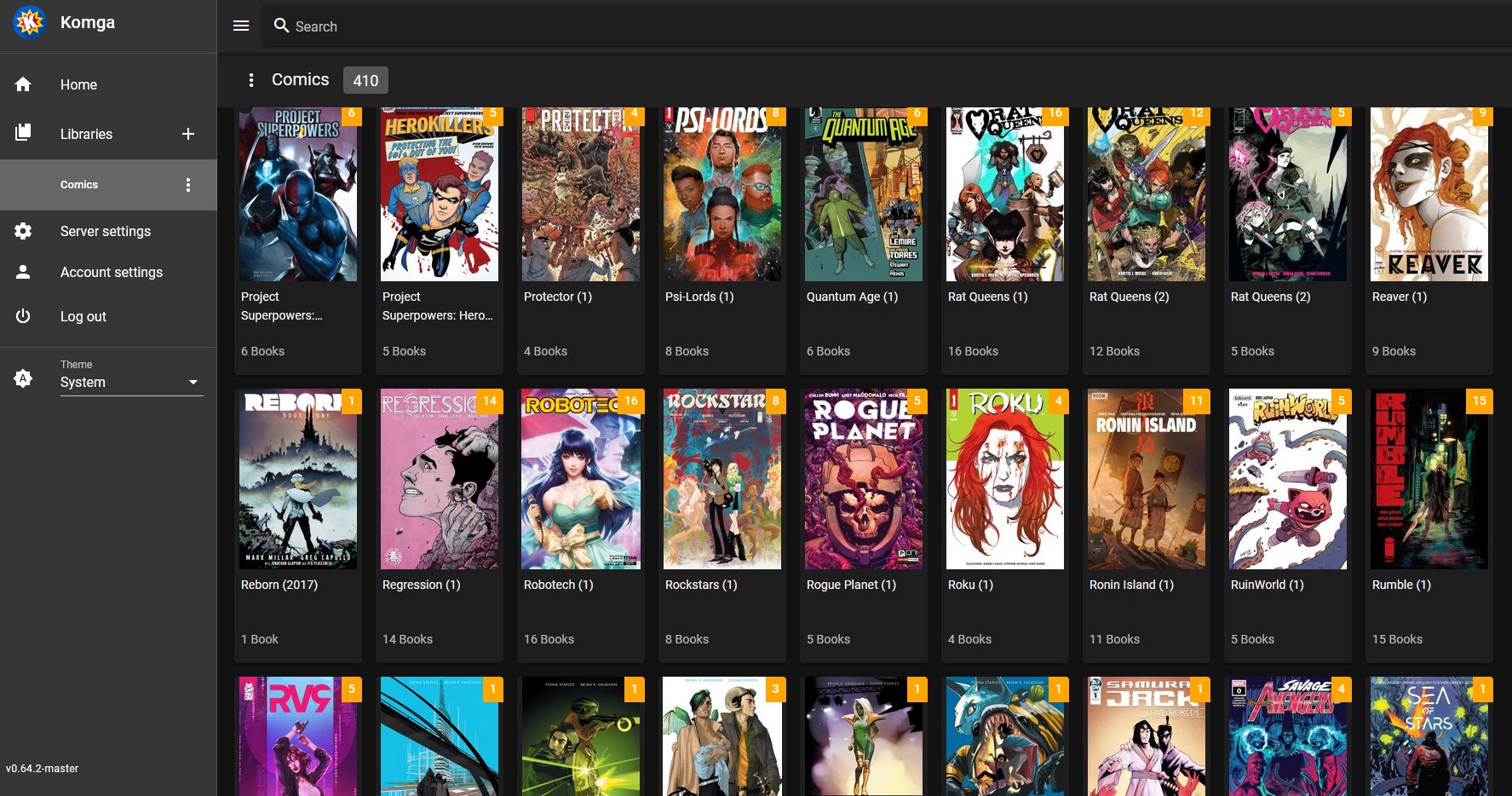
Komga, the comic book media server. I’ve had a ubooquity server for a long time. Very minimal, based entirely around file paths. It’s utilitarian but it has worked. And a lot of comics have been acquired over the years. But I wanted something better, something more modern. Something like Plex or Jellyfin but for comicbooks. So I went looking and found a couple of seemingly good contenders: Kavita and Komga.
I tried Kavita first. It was easy to spin up in docker, sat happily alongside the other containers on a NAS, and was completely awful. The metadata was nonsensical at best. If I recall correctly, it had several dozen series called ’01’ because there were some folders with story arcs inside of them that plotted them out issue by issue (01, 02, 03, etc). It was just unusable.
The I tried Komga. And it was actually the thing that convinced me to buy a second homelab PC. Because DNS was hosted on the Synology NAS. And Komga exploded. It was entirely my fault, of course. I didn’t set any resource limits and Komga was happy to eat all of my resources, starve the NAS and prevent anything else from running.
The family noticed that the internet wasn’t working and it was pretty clear that the DNS server was gone, along with everything else hosted on the NAS. A hard reboot later, deleting the Komga container, and everything was back to normal.
‘Ok,’ I thought to myself, ‘everything shouldn’t be on the same box. The NAS is happy doing NAS-y things and everything else should be on a different server.’ So I got a cheap PC, loaded ProxMox on it and started migrating services.
Learning nothing from my previous experience, I also used it as an excuse to migrte off of PiHole (on the NAS) to AdGuard (on the Proxmox). So now I have a critical service running alongside less important experiments. And I had the bright idea to try Komga again.
After all, now I can carefully resource limit it in the LXC and just let it do its thing.
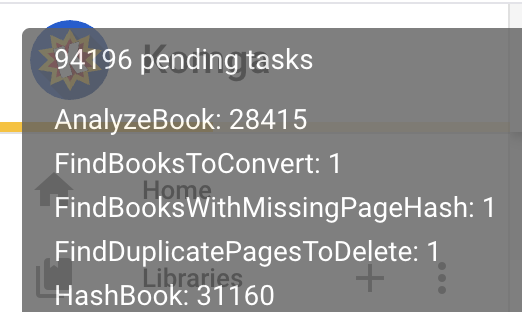
It came up ok. I watched it go through three thousand-ish tasks of the hundred thousand it needed.
Then I was getting ready for bed a noticed that DNS resolution was failing again. Sure enough, that Proxmox box was dead in the water. The logs are delightfully useless
Apr 08 19:41:31 pve kernel: nvme 0000:02:00.0: PCIe Bus Error: severity=Correctable, type=Physical Layer, (>
Apr 08 19:41:31 pve kernel: nvme 0000:02:00.0:   device [1344:5410] error status/mask=00000041/00002001
Apr 08 19:41:31 pve kernel: nvme 0000:02:00.0:    [ 6] BadTLP
Apr 08 19:41:31 pve kernel: nvme 0000:02:00.0: AER:   Error of this Agent is reported first
Apr 08 19:44:59 pve pvedaemon[1854846]: <root@pam> successful auth for user 'root@pam'
-- Boot 97eccfcfdb424beaa7a1e78f39f0360f --
And a hard reboot and removal of Komga brought it back online.
So the lesson, which I refused to learn, is still relevant. Do not overload the box that has DNS running on it. And Komga does not like large collections.
So next I think I’ll try seeing if AdGuard has an HA mode I could run with Raspberry Pi backup server and try to run Komga on its own on RaspPi itself. Something with no other service to starve.