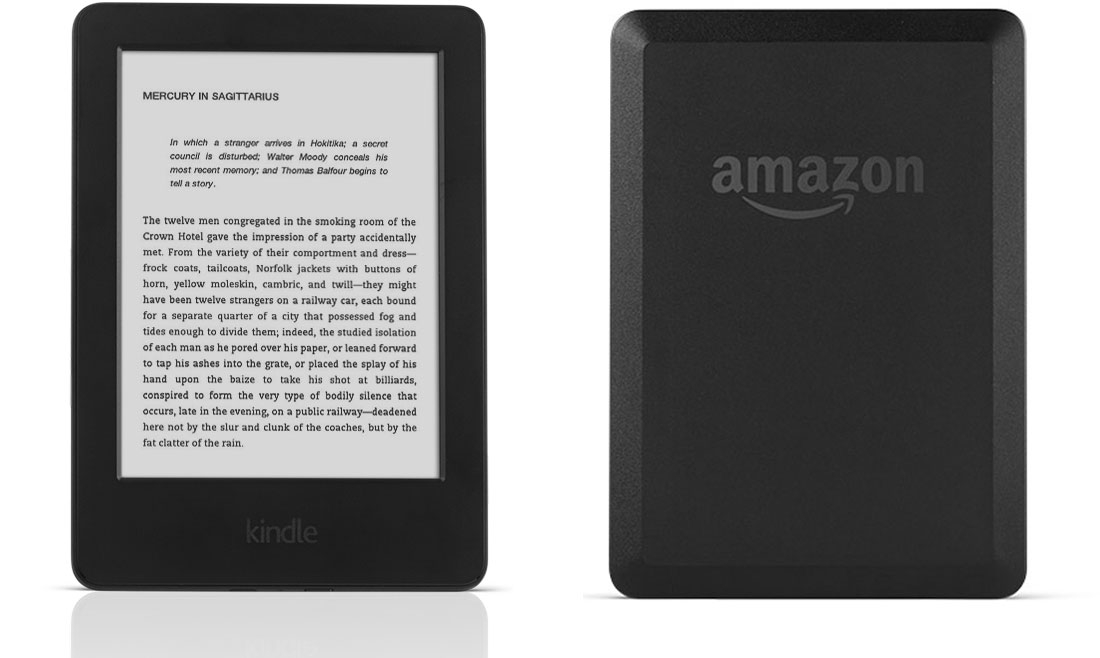
After getting frustrated with Amazon randomly deleting some books from my Kindle I finally decided to get it together to jailbreak the thing. And boy was it a journey.
I have a 7th Gen Kindle from 2014 that I’ve had on airplane mode for years. A lot of years. It was still on FW 5.6.X. “Great, this will be simple,” I thought. After all https://kindlemodding.org/ has a walkthrough as easy and step by step as any jailbreaking site I’ve ever seen.
But… it was not going to be quite that easy.
To start with, I had two options: Winterbreak (required me to register the Kindle) and Winterbreak2 (which did not). Winterbreak2 it is! Well slow down there, cowboy.
First you need to run Kindle-Filler-Disk to make sure you don’t have enough space on your Kindle to allow an OTA update to overwrite all your hard work. And, for whatever reason, this took hours. I have no idea why a Python script took hours to fill up a 3 gig disk but here we are.
Ok, stepped away, now I’m back and ready to Winterbreak2.
Everything was straightforward until it told me to go to https://winterbreak2.now.sh/ THERE WAS A PROBLEM LOADING THIS WEBSITE my Kindle proudly declared.
In fact, there was a problem loading all websites. I was completely stumped until I stumbled on a discussion about how all Kindles with firmware lower than 5.16.X lost the ability to visit sites due to the certificate expiring. I quickly checked this against a http site and, sure enough, I could access that.
I went to check out the latest official firmware available from Amazon to see if I could upgrade and then jailbreak. And… the latest available is 5.12.2.2. So no https for me.
I tried to register the Kindle to my Amazon account on 5.6.X but the device just errored out when attempting to do so. So I went ahead and updated to 5.12.2.2 without much of an idea about what to do.
Thankfully after the upgrade I was able to register the Kindle. But Winterbreak still wouldn’t work.
Thankfully, following the LocalStorage Replacement troubleshooting instructions, I was able to get the jailbreak working.
After that it was just a matter of getting everything installed and ready to go. I didn’t even need the disk filler script since there was no newer firmware available.
After I got KOReader working I spun up an instance of calibre-web to get the OPDS feed and got my Kindle directly connected to my library.
Now I’ve got a great reader directly connected to my Calibre library without any need to directly connect the device to my laptop again.