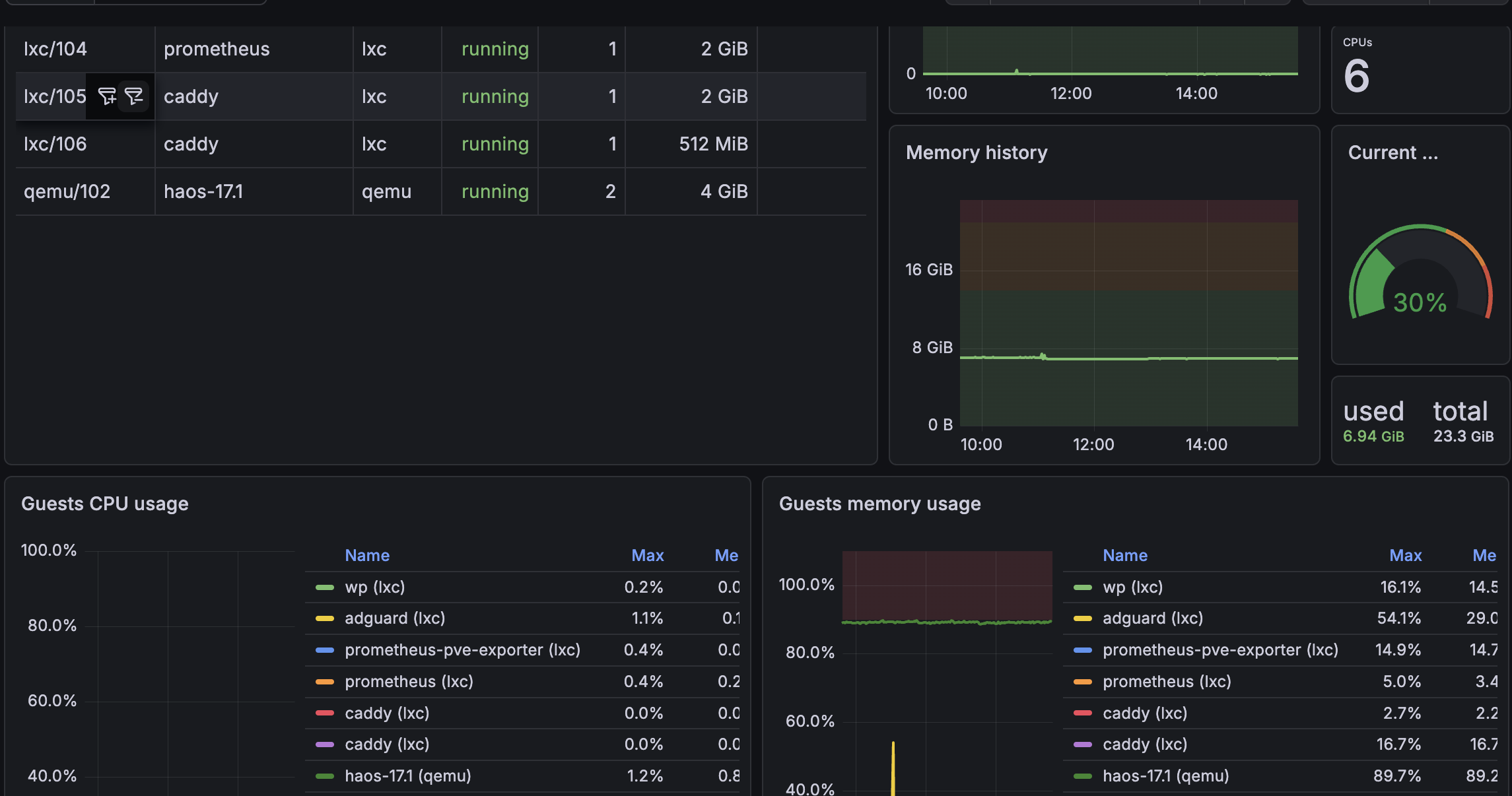
Overview
Sets up Prometheus and prometheus-pve-exporter as separate LXC containers on a Proxmox host, using community helper scripts. Grafana is assumed to run elsewhere and is not covered here.
Architecture:
- Proxmox host — runs LXC containers, exposes API for monitoring
- LXC: prometheus — collects and stores metrics
- LXC: pve-exporter — polls Proxmox API and exposes metrics to Prometheus
Primary reference: Monitoring with Prometheus, Grafana, & PVE Exporter in LXC Containers
Part 1: Create LXC Containers
Run both scripts from the Proxmox host shell (not inside a container).
Prometheus
bash -c "$(curl -fsSL https://raw.githubusercontent.com/community-scripts/ProxmoxVE/main/ct/prometheus.sh)"Accept defaults. The script creates an LXC, installs Prometheus, and configures a systemd service.
Resources used: 1 CPU, 2GB RAM, 4GB storage
PVE Exporter
bash -c "$(curl -fsSL https://raw.githubusercontent.com/community-scripts/ProxmoxVE/main/ct/prometheus-pve-exporter.sh)"Resources used: 1 CPU, 512MB RAM, 2GB storage
Note the IP addresses assigned to each container — you’ll need them.
Part 2: Create Proxmox Monitoring User and API Token
Done in the Proxmox web UI.
Step 1 — Create user
Datacenter → Users → Add
| Field | Value |
|---|---|
| Username | prometheus |
| Realm | Linux PAM Standard Authentication |
Note: The realm must be Linux PAM. This means the username in
pve.ymlwill beprometheus@pam. The blog usesprometheus@pvewhich is wrong for a PAM user and will cause auth failures.
Step 2 — Create API token
Datacenter → API Tokens → Add
| Field | Value |
|---|---|
| User | prometheus@pam |
| Token ID | monitoring |
| Privilege Separation | leave default |
Click Add. Copy the token secret — it is shown once only.
Step 3 — Assign permission
Datacenter → Permissions → Add → User Permission
| Field | Value |
|---|---|
| Path | / |
| API Token | prometheus@pam |
| Role | PVEAuditor |
Part 3: Configure PVE Exporter
Shell into the pve-exporter LXC container, then edit the config:
nano /opt/prometheus-pve-exporter/pve.ymldefault:
user: prometheus@pam
token_name: "monitoring"
token_value: "YOUR_TOKEN_SECRET"
verify_ssl: false
prometheus@pamis critical. The blog showsprometheus@pve— this only applies if you created the user under the built-in Proxmox realm. Since this user was created under Linux PAM,@pamis required.
Restart the exporter after saving:
systemctl restart prometheus-pve-exporter
systemctl status prometheus-pve-exporter
The exporter listens on port 9221 by default.
Part 4: Configure Prometheus
Shell into the Prometheus LXC container (not the Proxmox host), then edit:
nano /etc/prometheus/prometheus.ymlglobal:
scrape_interval: 15s
evaluation_interval: 15s
scrape_configs:
- job_name: "prometheus"
static_configs:
- targets: ["localhost:9090"]
labels:
app: "prometheus"
- job_name: "pve-exporter"
metrics_path: /pve
params:
module: [default]
static_configs:
- targets:
- 192.168.1.X # Proxmox host IP
relabel_configs:
- source_labels: [__address__]
target_label: __param_target
- source_labels: [__param_target]
target_label: instance
- target_label: __address__
replacement: 192.168.1.X:9221 # pve-exporter LXC IP:portWhy the relabel_configs? The pve-exporter acts as a proxy — Prometheus tells it which Proxmox host to scrape via the
?target=query param, and the exporter calls the Proxmox API on Prometheus’s behalf. The relabel block rewrites the scrape so:
targets= the Proxmox host IP (passed as?target=to the exporter)__address__= the exporter’s address (where Prometheus actually connects)Without this, Prometheus would try to hit the Proxmox host directly on port 9221, which won’t work.
Reload Prometheus after saving:
systemctl reload prometheus
# or restart if reload doesn't pick up changes:
systemctl restart prometheus
systemctl status prometheus
Part 5: Verify
Open the Prometheus UI from any browser:
http://PROMETHEUS_LXC_IP:9090/targetsThe pve-exporter job should show state UP.
If it shows DOWN, check:
- PVE exporter is running:
systemctl status prometheus-pve-exporter(in pve-exporter LXC) - The IP/port in
prometheus.ymlmatches the pve-exporter LXC pve.ymlusesprometheus@pam(not@pve)- API token secret in
pve.ymlis correct - The
prometheus@pam!monitoringAPI token hasPVEAuditorpermission on/
Quick Reference
| Component | Host | Config path | Port |
|---|---|---|---|
| Prometheus | Prometheus LXC | /etc/prometheus/prometheus.yml |
9090 |
| PVE Exporter | PVE Exporter LXC | /opt/prometheus-pve-exporter/pve.yml |
9221 |